Smartphones are expensive—and in the U.S., replacing one can easily cost $800–$1,200+. So it’s no surprise that Americans are searching for how to make your phone battery last longer and avoid early battery degradation.
Whether you’re using an Android or iPhone on Verizon, AT&T, or T-Mobile, your charging habits play a huge role in how long your battery stays healthy.
In this guide, you’ll learn the best battery charging tips for Android phones, Samsung battery charging tips, battery charging tips for iPhone, and practical habits that actually work in real life.
Why Battery Health Matters More Than Ever in the U.S.
Most Americans upgrade their phones every 2–3 years, but battery wear often starts within the first year.
Here’s why it matters:
- Battery replacement costs: $69–$99 (Apple), $70–$120 (Samsung/Android)
- Trade-in value drops significantly with poor battery health
- Heavy users (Uber drivers, delivery apps, remote workers) depend on all-day battery
👉 Bottom line: Good charging habits = saving money + better performance
🔋 Mobile Battery Charging Tips That Actually Work
Let’s break down the most effective and science-backed charging habits.
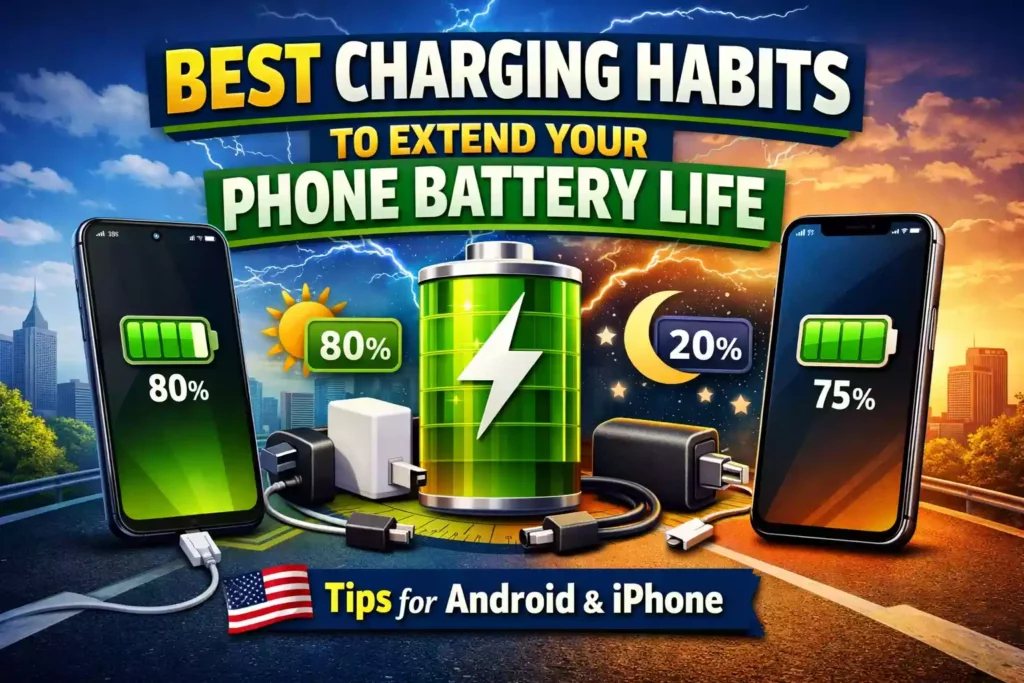
1. Keep Your Battery Between 20% and 80%
This is the #1 rule if you want long-term battery health.
Why it works:
Lithium-ion batteries (used in all smartphones) degrade faster when:
- Fully charged (100%) for long periods
- Deeply discharged (0%)
Best practice:
- Charge when battery hits 20–30%
- Stop charging around 80–90%
Real-life U.S. tip:
If you’re commuting or working long hours, use:
- A car charger (Amazon or Walmart ~$10–$25)
- A portable power bank (~$20–$50)
2. Avoid Overnight Charging (or Use Smart Charging)
Many Americans plug in their phones overnight—but this isn’t ideal.
Problem:
Your phone stays at 100% for 5–7 hours, which stresses the battery.
Better alternatives:
- Use Optimized Charging (iPhone)
- Use Adaptive Charging (Android/Samsung)
These features slow down charging after 80%.
3. Use Original or Certified Chargers Only
Cheap chargers from unknown brands can:
- Overheat your battery
- Cause inconsistent voltage
- Reduce battery lifespan
Recommended:
- Buy from Best Buy, Amazon, or Apple/Samsung official stores
- Look for:
- MFi certified (for iPhone)
- USB-IF certified (for Android)
4. Avoid Extreme Heat (Big Issue in the U.S.)
Heat is the biggest battery killer.
Common U.S. scenarios:
- Leaving phone in a hot car (especially in states like Texas, Arizona)
- Using GPS + charging at the same time
- Gaming while charging
Safe temperature:
- Ideal: 32°F to 95°F (0°C to 35°C)
👉 Tip: If your phone feels hot, remove the case while charging
5. Don’t Use Your Phone While Charging (Especially Heavy Tasks)
Using your phone while charging creates:
- Heat buildup
- Faster battery wear
Avoid during charging:
- Gaming
- Video editing
- Streaming in 4K
📱 Battery Charging Tips for Android Phones
Android users have more flexibility—but also more settings to manage.
Key tips:
- Enable Adaptive Battery
- Turn on Battery Saver mode
- Use Dark Mode (especially on OLED screens)
Bonus:
Many Android phones (Google Pixel, Samsung) now include:
- Charging limits (80% cap)
- AI-based battery optimization
🔵 Samsung Battery Charging Tips (Special Section)
Samsung users get some advanced features.
Best settings:
- Enable Protect Battery (limits charge to 85%)
- Use Super Fast Charging only when needed
- Avoid constant fast charging (it creates heat)
Example:
If you’re working from home in the U.S., use:
- Regular charging during the day
- Fast charging only before going out
🍎 Battery Charging Tips for iPhone Users
Apple has built-in features to protect your battery.
Must-enable settings:
- Optimized Battery Charging
- Low Power Mode when below 20%
iPhone-specific habits:
- Avoid MagSafe heating issues during long use
- Use certified cables (cheap ones damage battery health)
⚡ Fast Charging vs Normal Charging: What’s Better?
| Feature | Fast Charging | Normal Charging |
|---|---|---|
| Speed | Very fast | Slow |
| Heat | Higher | Lower |
| Battery Wear | Slightly more | Less |
| Best Use | Emergency | Daily use |
👉 Recommendation:
Use fast charging only when needed, not daily.
🔌 Should You Fully Drain Your Battery?
❌ No, this is outdated advice
Old batteries needed calibration—but modern phones don’t.
What to do instead:
- Avoid going below 10% regularly
- Full drain once a month is okay (for calibration only)
💰 Real U.S. Cost Savings Example
Let’s say:
- New iPhone battery replacement: $89 + tax
- New phone upgrade: $999+
By following good charging habits:
👉 You can extend battery life by 1–2 years
That’s hundreds of dollars saved
🛒 Best Accessories to Improve Battery Life (U.S. Market)
You can find these easily on Amazon, Walmart, or Best Buy:
Recommended:
- Anker Power Banks ($25–$60)
- Belkin Charging Cables ($15–$30)
- Apple/Samsung official chargers ($20–$40)
❓ FAQs (U.S. Users Ask These a Lot)
1. Is it bad to charge your phone multiple times a day?
No. Short charges are actually better than full 0–100 cycles.
2. Should I turn off my phone while charging?
Not necessary. But it can reduce heat slightly.
3. Does fast charging damage battery?
Not immediately, but frequent use over time can reduce battery lifespan.
4. What is the ideal charging percentage?
Keep it between 20% and 80% for best results.
5. Can I use my phone while charging?
Yes, but avoid heavy tasks like gaming or streaming.
🧠 Pro Tips Most People Don’t Know
- Turn off background apps draining battery
- Reduce screen brightness
- Use Wi-Fi instead of mobile data when possible
- Disable location services for unused apps
✅ Conclusion: Build Smart Charging Habits Today
If you want to make your phone battery last longer, it’s not about one trick—it’s about consistent habits.
Quick recap:
- Keep battery between 20%–80%
- Avoid heat and overnight overcharging
- Use certified chargers
- Enable built-in battery optimization features
These mobile battery charging tips can easily extend your phone’s lifespan by years, saving you money and frustration.
Thanks for Reading!
Recommended Posts
- Best Charging Habits to Extend Your Phone Battery Life for Years
- Ledo Men’s and Women’s Watch Box Holder Review (2025): Is It Worth Buying in the U.S.?
- Top 5 Casio Watches Under ₹2,000 for Men
- Gemini Prompts for Image Generation Trending (Best AI Prompts for Boys 2026)
- The Perplexity Comet Browser: Your Ultimate Guide to Downloading and Using the AI-Powered Search Revolution